Video Compressor for Email
Compress videos to fit email attachment limits. Reduce videos to meet 25MB Gmail limit or other email size restrictions.


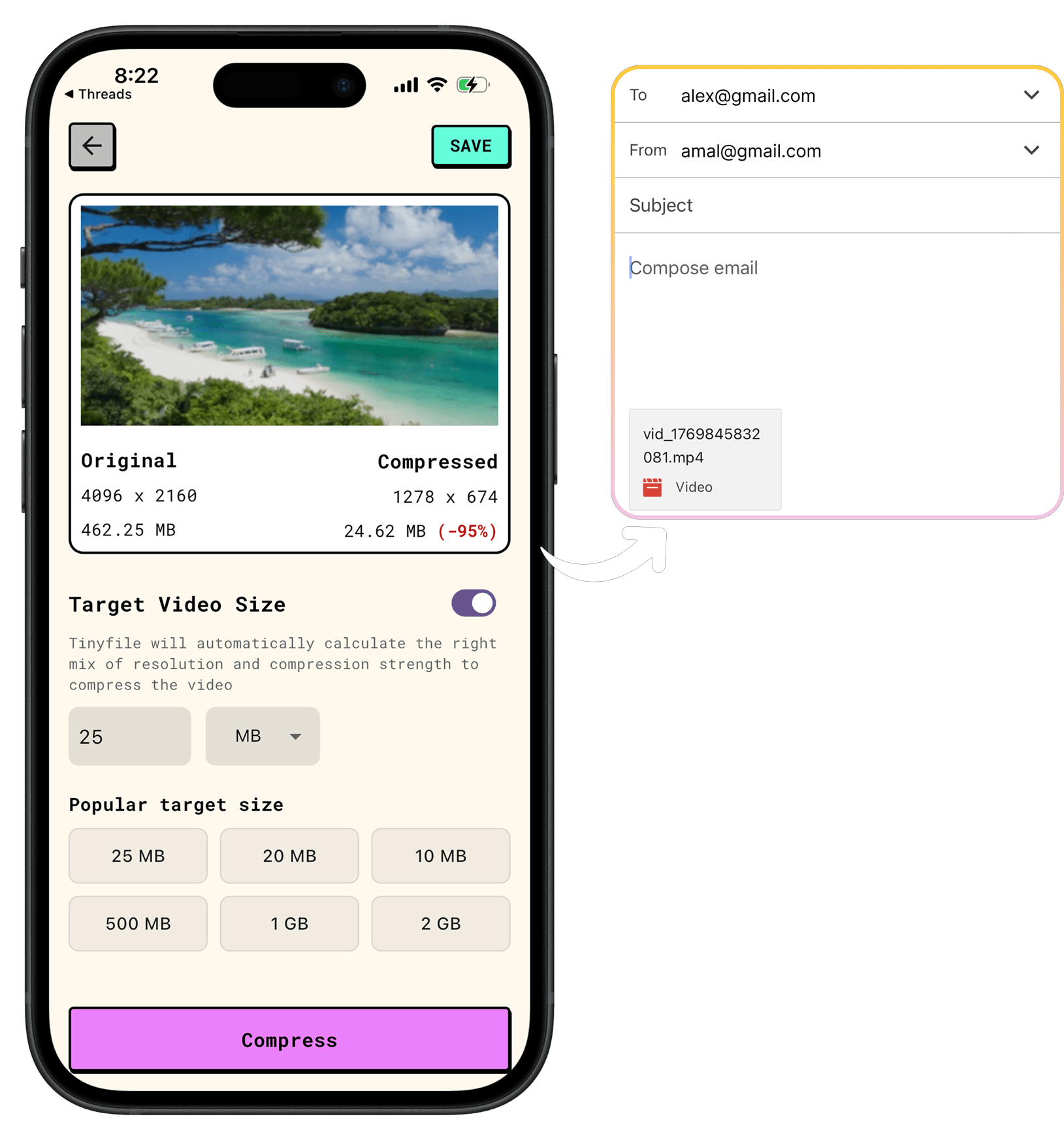
How It Works
1
Select Your Video
Choose the video file you want to send via email. Works with common video formats like MP4 and MOV.
2
Enter the Desired File Size
Select the desired file size from the preset options or enter a custom size. Tinyfile will automatically calculate the compression settings and resolution to meet your exact requirements.
3
Export the Compressed Video
Export your compressed video and attach it to your email. No more "file too large" errors!
Related Solutions

Tinyfile
Compress images and videos preserving visual clarity without the files leaving your device.
COMPARISON
CONTACT US AT
DOWNLOAD
© Copyright 2024, All Rights Reserved by Tinyfile