Photo Compressor for Mac
Compress photos and images up to 90% offline with native macOS app. Batch compress JPEG and PNG files securely & fast.

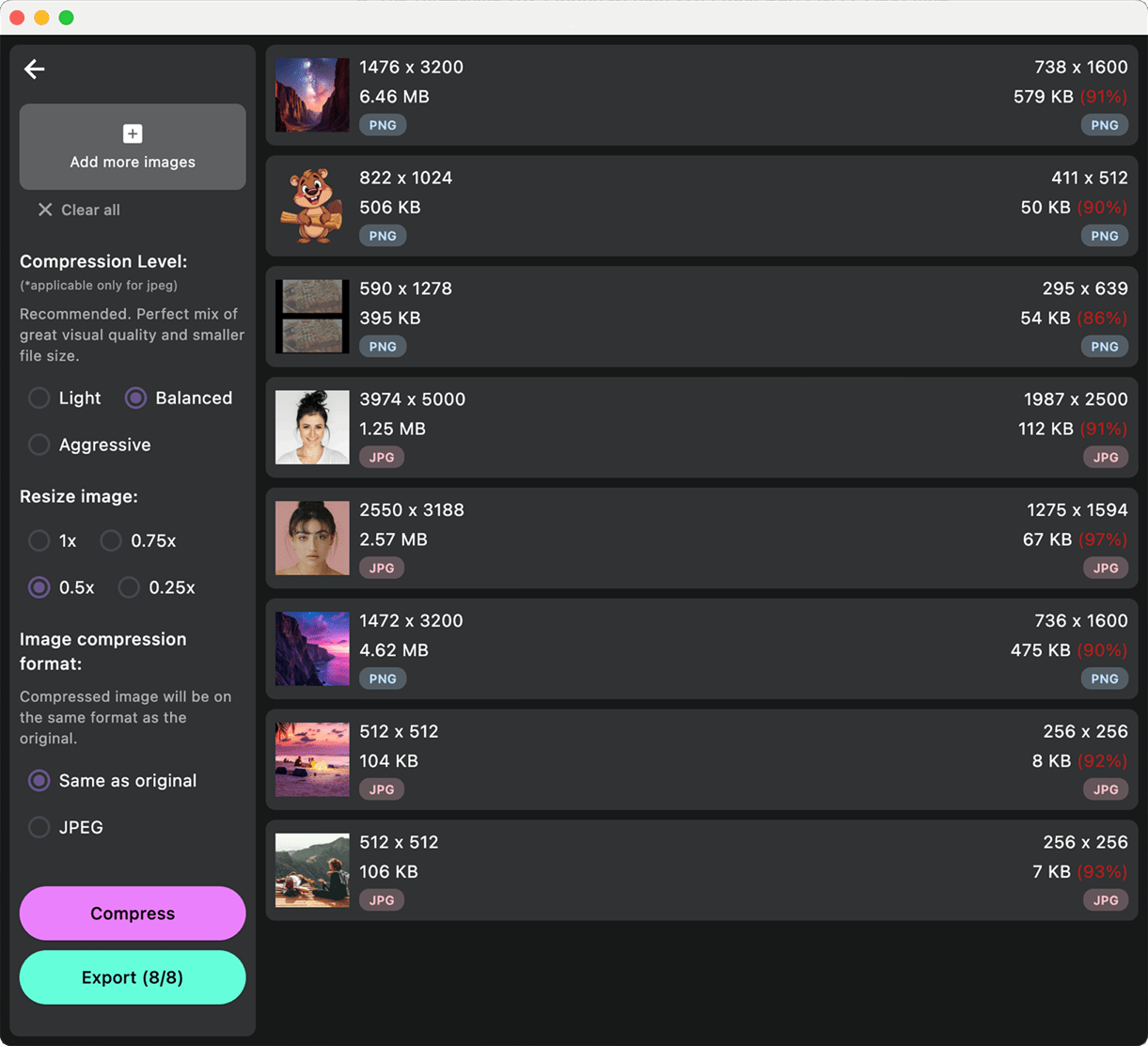
Powerful JPEG compressor that preserves visual quality
Compress JPEG photos on Mac by up to 90% while keeping images sharp and clear. Ideal for photographers, web developers and bloggers.
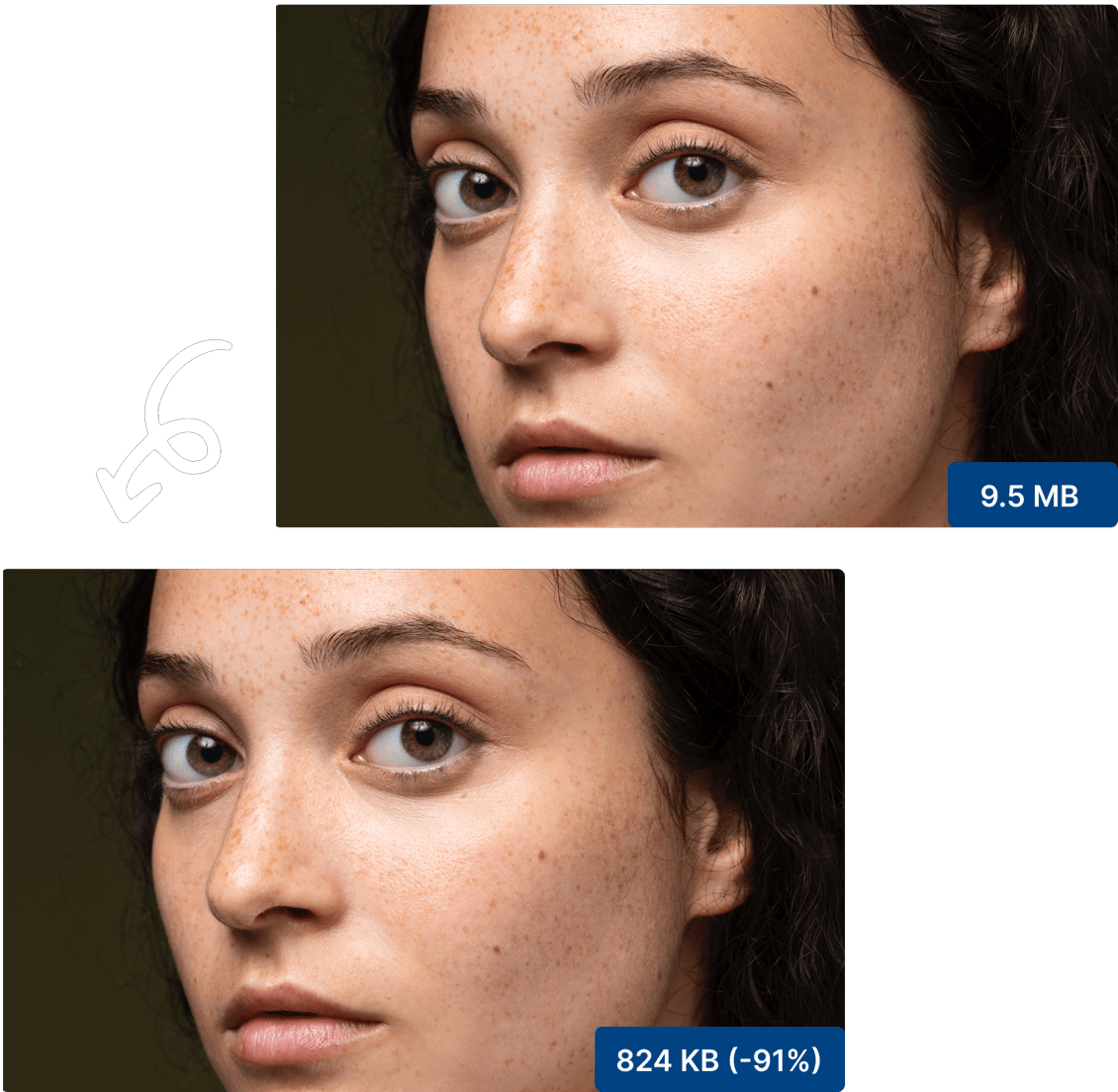
PNG compressor that retains transparency
Reduce PNG photo size on macOS while keeping transparency intact. Perfect for logos, icons, and UI graphics.
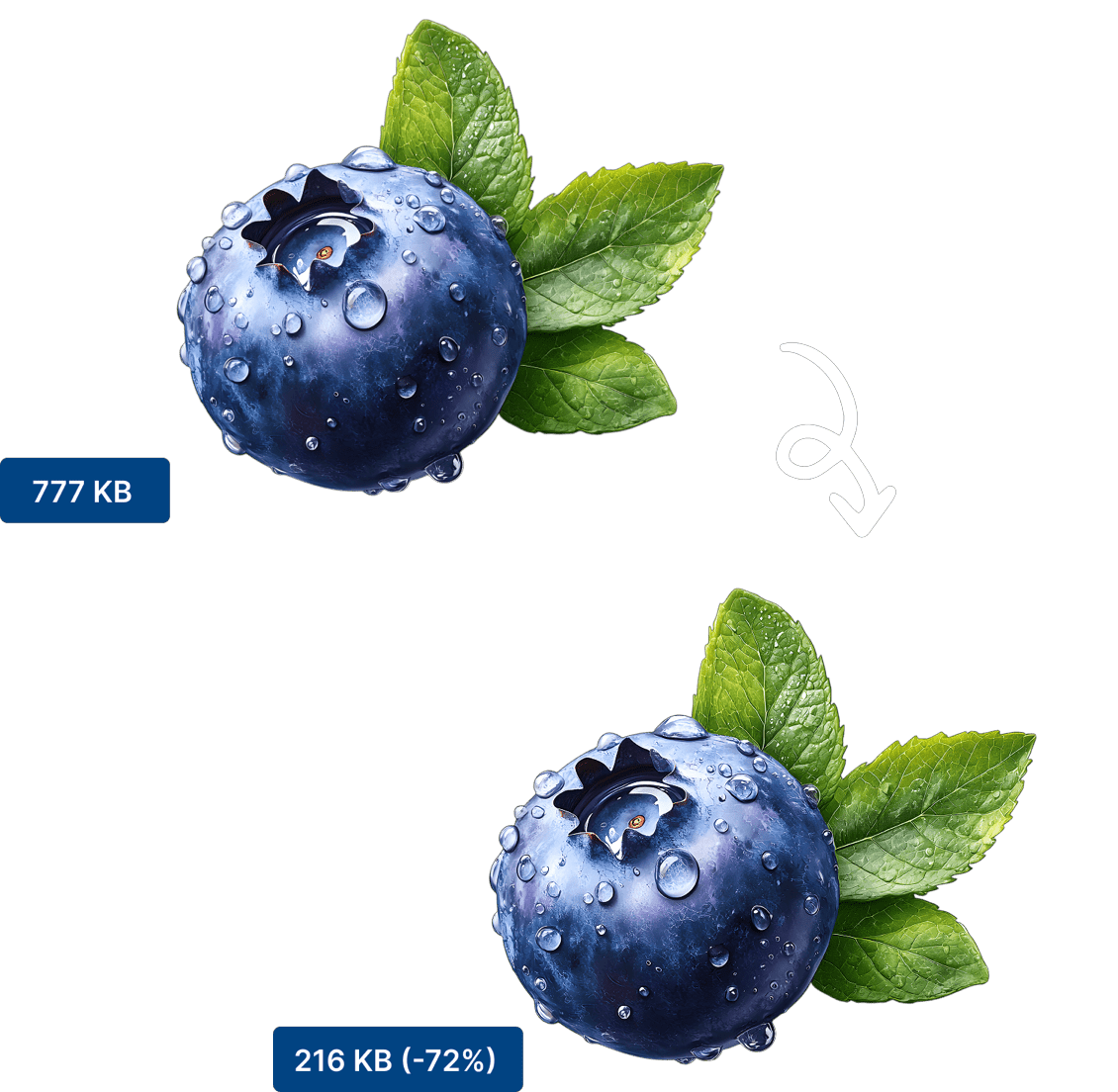
Batch compress multiple images in parallel
Select entire folders and export smaller photos in one go. Designed for large photo libraries.
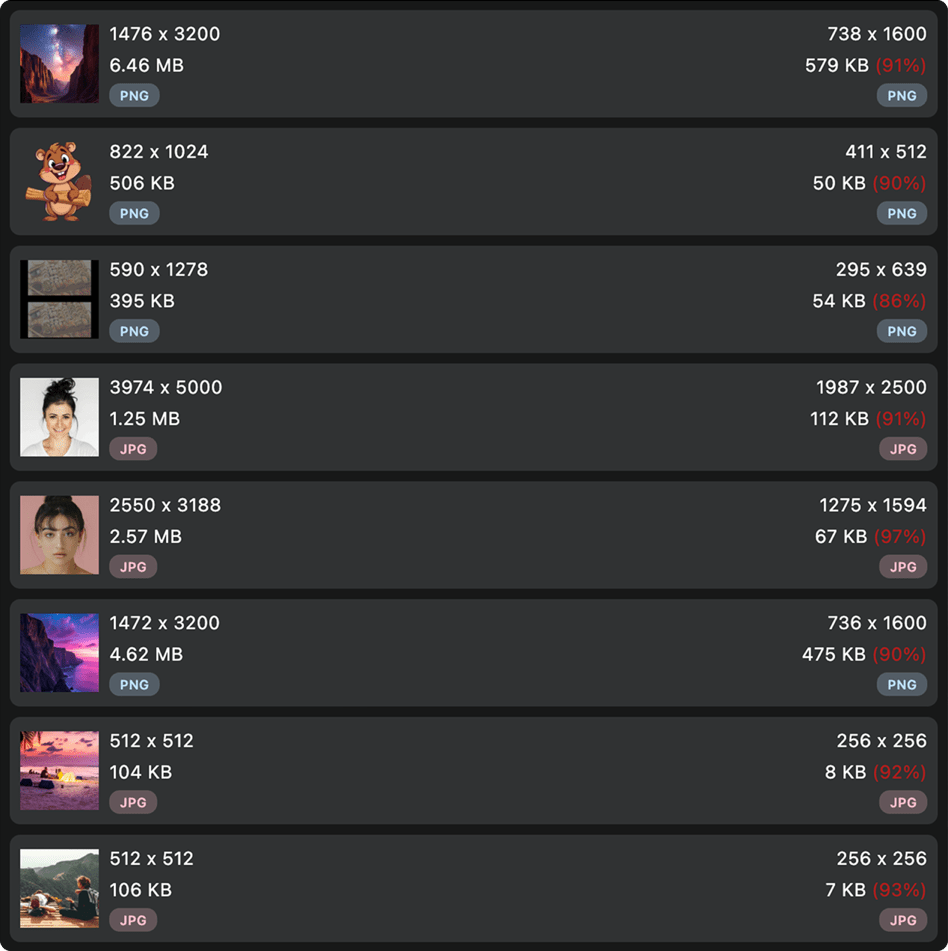
Resize images to lower resolutions to shrink more
Lower image dimensions before export to create lightweight photos for web, email, and mobile while keeping the original aspect ratio.
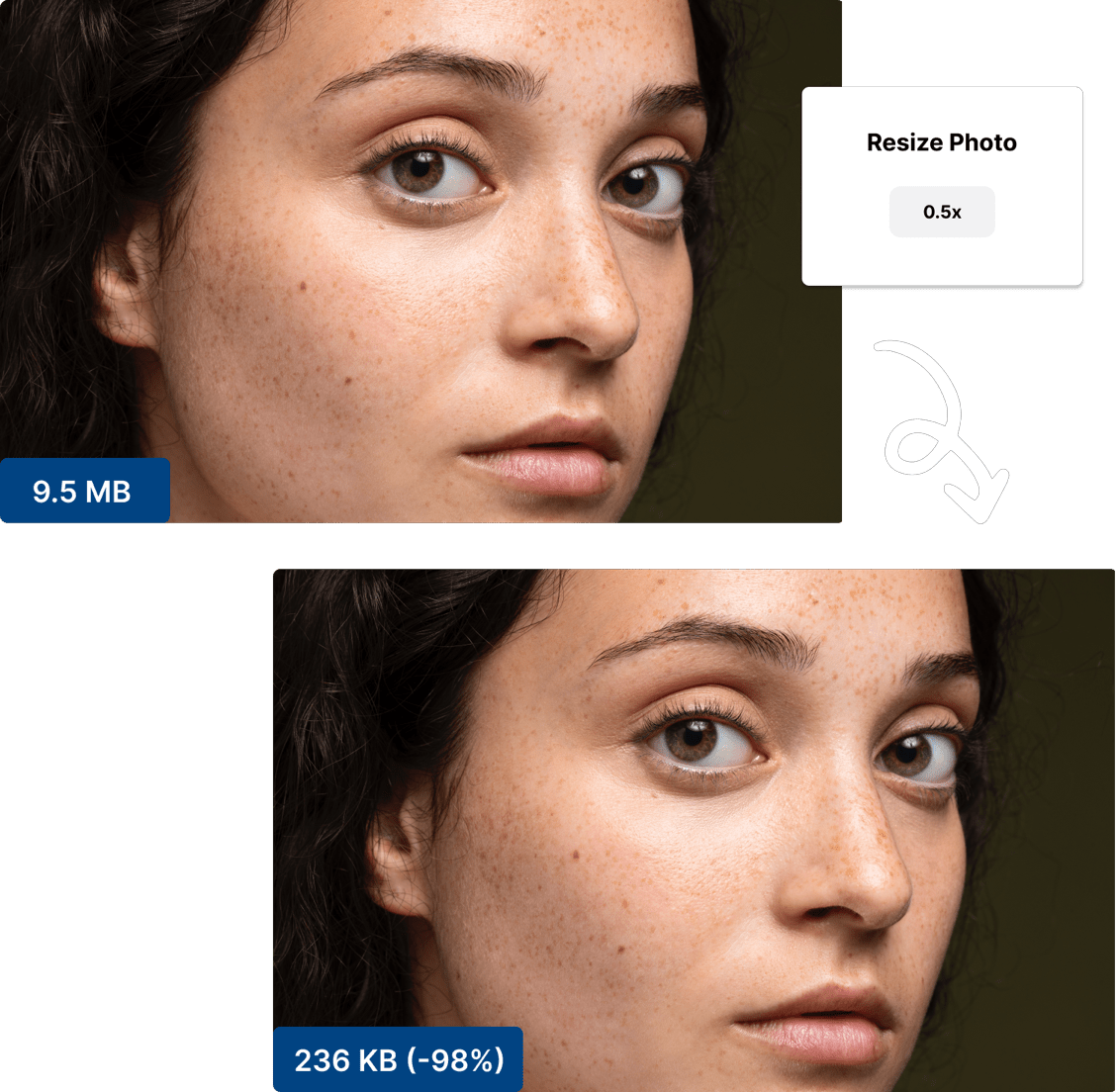
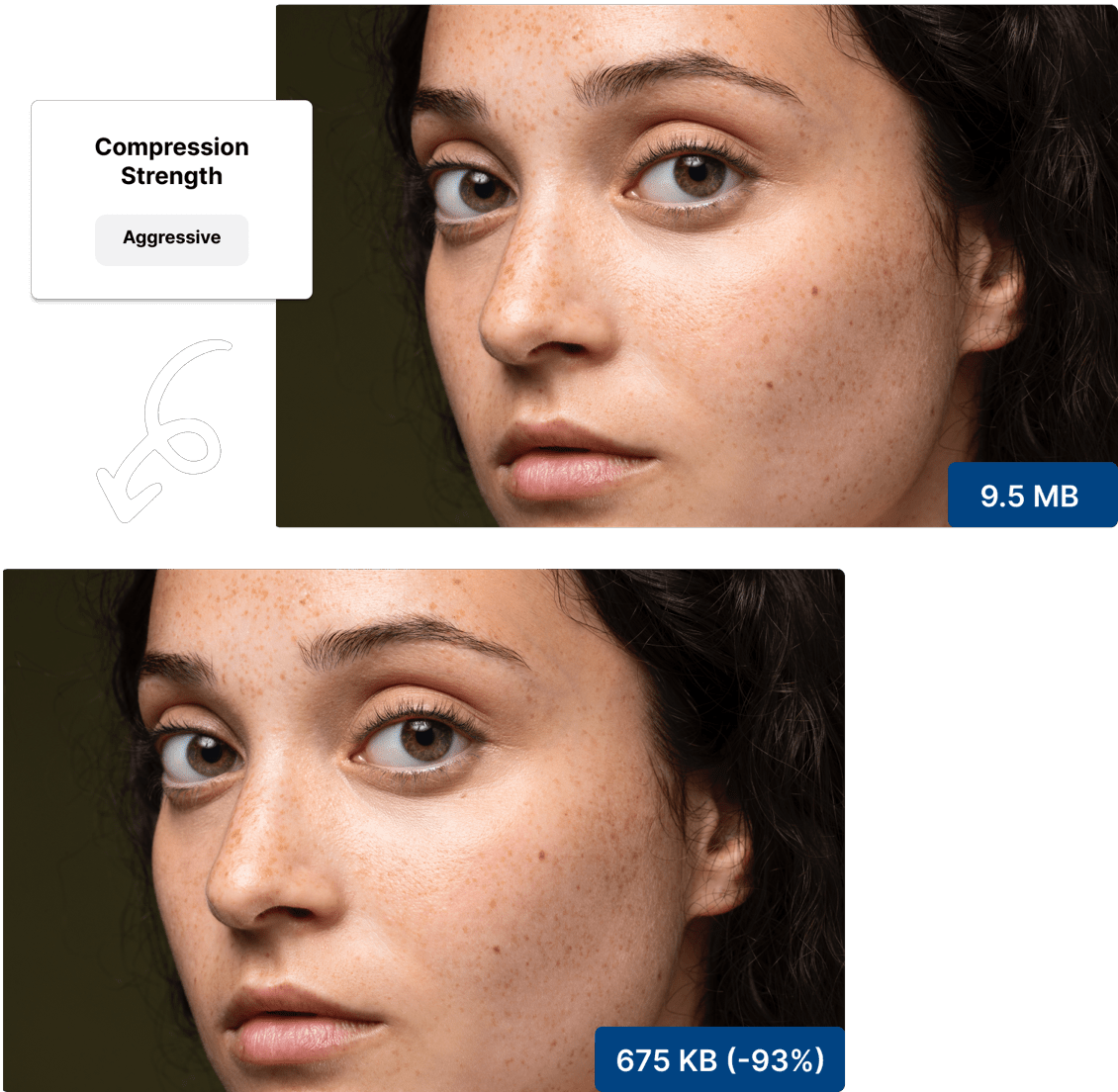
Control the compression level to balance size and quality
Choose the ideal balance between photo quality and file size with simple compression controls.
Files never leave your device
All image processing happens locally on your Mac. No internet connection required, no uploads to cloud servers, and no privacy concerns. Your photos and images stay completely private and secure on your device. Perfect for handling sensitive documents, personal photos, or confidential business materials.
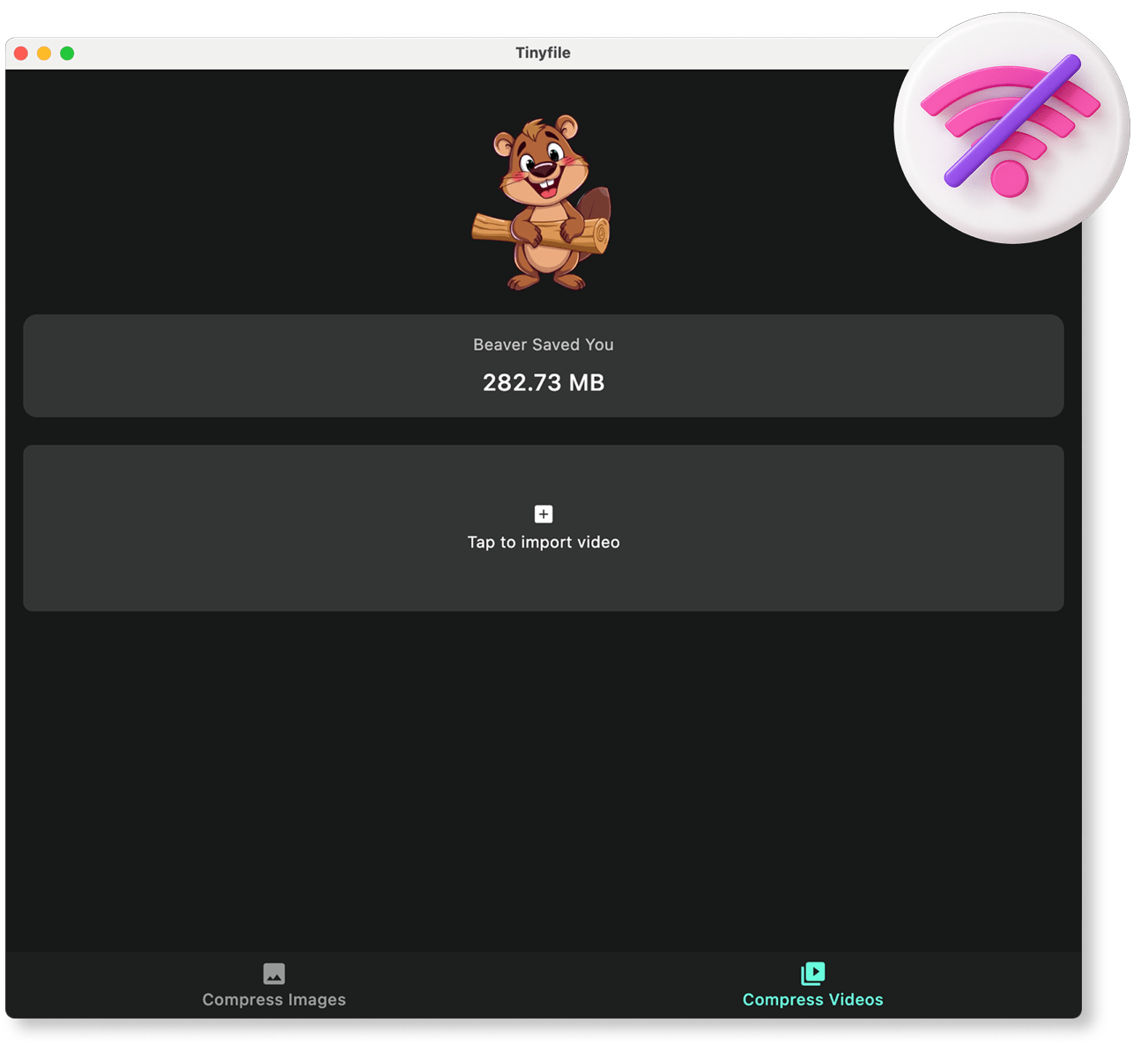

Compress images and videos preserving visual clarity without the files leaving your device.
COMPARISON
CONTACT US AT
DOWNLOAD

© Copyright 2024, All Rights Reserved by Tinyfile