Back to Blog
How to Reduce Photo File Size on iPhone (Without Losing Quality)
Easiest way to compress a photo on iPhone without compromising visual quality is with Tinyfile.
Easiest way to compress a photo on iPhone without compromising visual quality is with Tinyfile.
If you’re here, you probably already know the problem: your iPhone storage is full, and it feels like deleting photos is your only option. It’s not. This guide will show you how to compress photos on your iPhone — quickly, safely, and without sacrificing the quality of your memories.
The fastest and most effective way to reduce photo file size on iPhone is to use a dedicated photo compressor app like TinyFile.
Here’s why it stands out:
Because everything happens locally on your iPhone, TinyFile is not only the fastest option — it’s also the most private and secure. No cloud. No servers. No waiting.
A picture is worth a thousand words. Here’s what photo compression actually looks like in practice:
Before Compression:
 Original — 2.7 MB
After Compression with TinyFile:
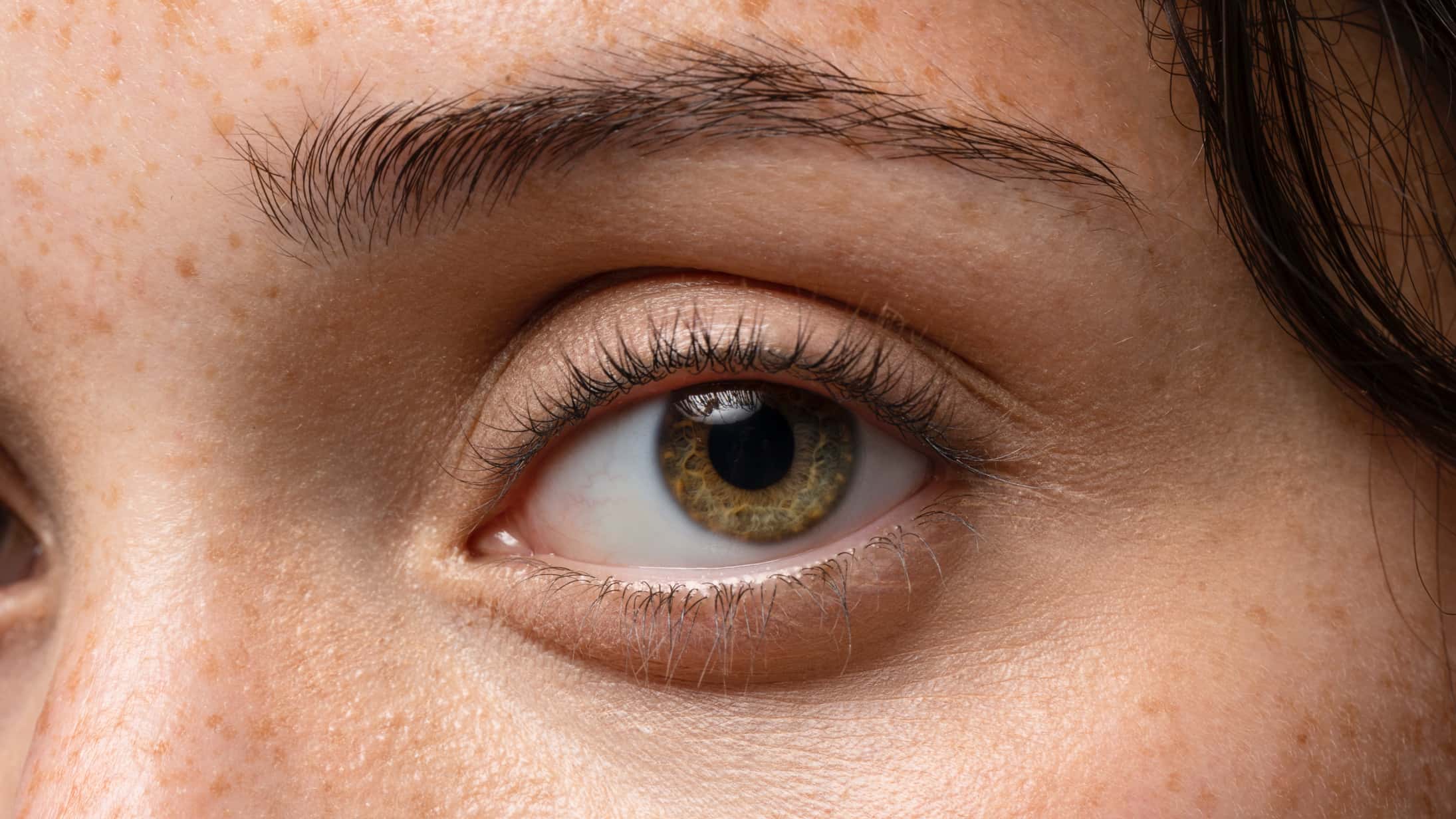 Compressed — 165 KB
Same resolution. Same sharpness. Fraction of the file size.
That’s it. No account needed. No internet connection required.
Modern iPhones shoot in High Efficiency Image Format (HEIF) or even ProRAW, producing stunning images that can range from 3MB to over 30MB per photo. If you shoot hundreds or thousands of photos a year — which most people do — that adds up fast.
The problem is that most of that file size isn’t visible quality. It’s data that can be compressed away without your eyes ever noticing the difference. That’s exactly what TinyFile does.
TinyFile is the recommended approach, but here are a few other built-in options worth knowing about:
Go to Settings → Camera → Formats and select High Efficiency. This uses HEIF instead of JPEG and reduces file sizes by roughly 50% going forward. It does not affect photos already in your library.
Go to Settings → [Your Name] → iCloud → Photos and enable Optimize iPhone Storage. This keeps smaller versions on your device and full-resolution copies in iCloud. You’ll need an iCloud storage plan, and access to full-res photos requires an internet connection.
If you want to free up iPhone storage without deleting your photos, compressing them with TinyFile is the cleanest solution available. You keep every memory at full resolution, your photos stay on your device (never uploaded anywhere), and you can recover up to 90% of the storage those photos were using.
Your memories deserve to stay. Your storage shouldn’t have to suffer for it.
Reduce image and video file sizes by up to 90% while maintaining quality. Perfect for saving storage space and faster uploads.


Compress images and videos preserving visual clarity without the files leaving your device.
COMPARISON
CONTACT US AT
DOWNLOAD


© Copyright 2024, All Rights Reserved by Tinyfile