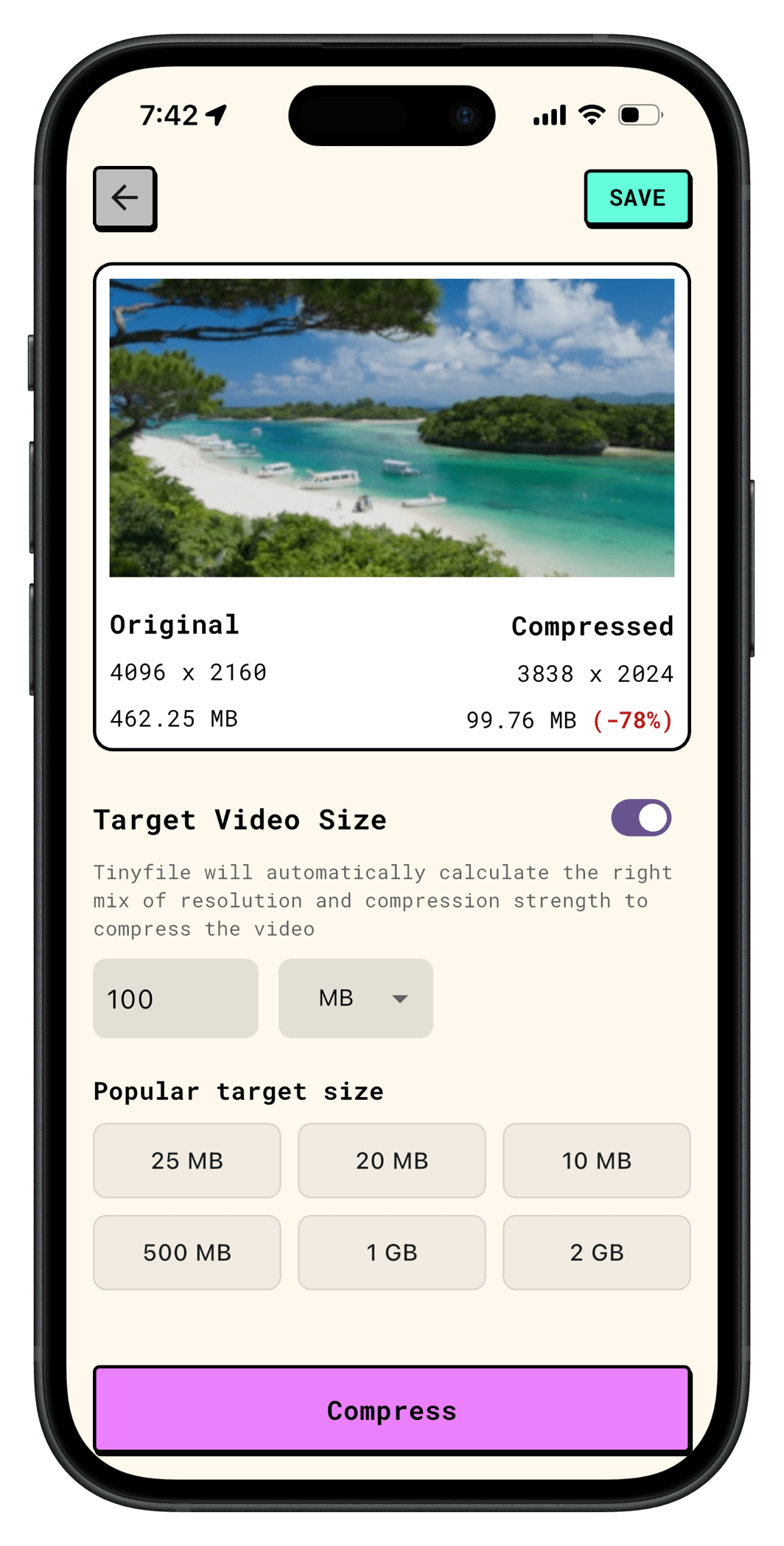
The single best approach is to use a dedicated video compressor app like Tinyfile. Here’s why this method stands above the rest.
Why TinyFile Is the Recommended Option
TinyFile is designed to take the guesswork out of video compression. Instead of forcing you to manually fiddle with bitrate sliders, resolution settings, or codec options, TinyFile does the heavy lifting for you:
Intelligent target-size compression. You simply enter your target file size, in this case, 100MB and Tinyfile automatically calculates the correct combination of bitrate, resolution, and codec settings needed to hit that target as closely as possible.
Works completely offline. TinyFile runs entirely on your local machine. Your video is never uploaded to any external server. This means your files stay private and, crucially, there are no upload or download wait times.
Fast compression. Because everything happens locally on your device, compression is significantly faster than any web-based tool. You’re not bottlenecked by your internet connection speed, which matters a lot when you’re dealing with large files.
No file size restrictions. Online tools often cap uploads at 500MB or less. With TinyFile, you can compress files of any size — including compressing a 1GB video to 100MB — without hitting a wall.
How to Compress a Video to 100MB Using TinyFile
Download and install TinyFile on your computer or mobile.
Open Tinyfile and click Add Video.
Toggle target size and enter 100MB as your target file size.
Click Compress. TinyFile will analyze your video and apply the optimal settings automatically.
Once complete, your compressed video will be ready to export.
That’s it. No manual codec configuration required.
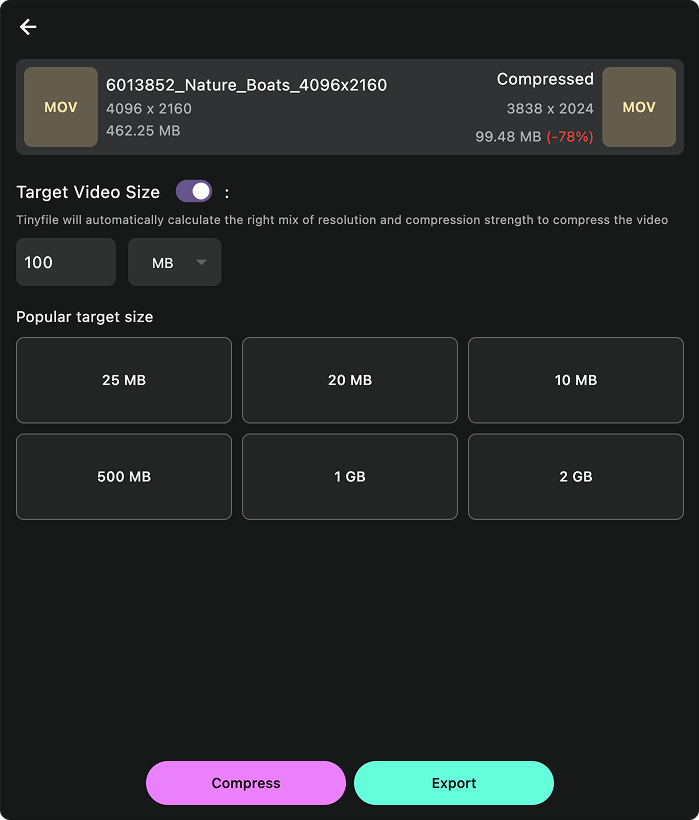
Desktop VersionMobile Version
Why Avoid Online Video Compressors for This Task?
Online compressors might seem convenient, but they come with real drawbacks when your goal is hitting a precise 100MB target:
Upload time. A 1GB file can take many minutes or longer to upload, depending on your internet speed.
Download time. Then you have to wait again to download the result.
Privacy concerns. Your video is transmitted to and stored on a third-party server, at least temporarily.
File size limits. Most free online tools cap uploads well below 1GB.
Imprecise targeting. Many online tools don’t let you specify an exact output file size — they only offer vague quality presets.
A local app like Tinyfile solves all of these problems at once.
Summary
To compress a video to 100MB — including compressing a large 1GB video to 100MB — the best method is to use a offline video compressor app like Tinyfile. It intelligently calculates the right compression settings and resolution adjustments to hit your target size, runs entirely offline so your files stay private, and compresses much faster than any upload-based web tool. Just enter 100MB as your target, hit compress, and you’re done.
Compress Without Visible Quality Loss
Reduce image and video file sizes by up to 90% while maintaining quality. Perfect for saving storage space and faster uploads.